Basecamp Webhooks, Explained (and How to Use Them Without Code)
A webhook is Basecamp calling you instead of you calling Basecamp. When something changes in a project, Basecamp sends a small HTTP message to an address you registered, at the moment it happens. No polling, no refresh loop, no “check every five minutes” job.
That one mechanism powers most serious Basecamp integrations: chat notifications, sync tools, reporting dashboards, and the automation layer in Assistant for Basecamp. This post explains what webhooks can tell you, who they’re for, and how to get the benefits without touching the API yourself.
What is a Basecamp webhook?
Technically: a per-project subscription. You give Basecamp an HTTPS URL, and Basecamp POSTs a JSON payload to it whenever a matching event happens in that project. The payload describes the thing that changed and who changed it.
Three properties matter in practice:
- They’re per project. A webhook lives inside one project. Covering ten projects means ten subscriptions, which is why most people let a tool manage them instead of doing it by hand.
- They’re push, not pull. The event arrives seconds after the change. Anything built on webhooks feels live.
- They’re one-way. Basecamp tells you what happened. Acting on it (posting a reply, updating another system) is your side’s job, through the API.
Which events fire?
The useful ones for a team, in plain terms:
- A to-do is created, completed, or changed
- A message is posted
- A comment lands on anything
- Documents and files are added or updated
If you’ve ever wanted “tell me the moment a client comments” or “when a to-do completes, reflect it somewhere else,” webhooks are the mechanism underneath that wish.
Searching for “Basecamp 3 webhooks”?
Same feature, current home. Everyone is on Basecamp 5 now (it answers at both app.basecamp.com and the older 3.basecamp.com address), and the webhook mechanism carried over. Guides that talk about Basecamp 3 webhooks are describing the same idea you’d use today.
The honest catch: webhooks are a developer feature
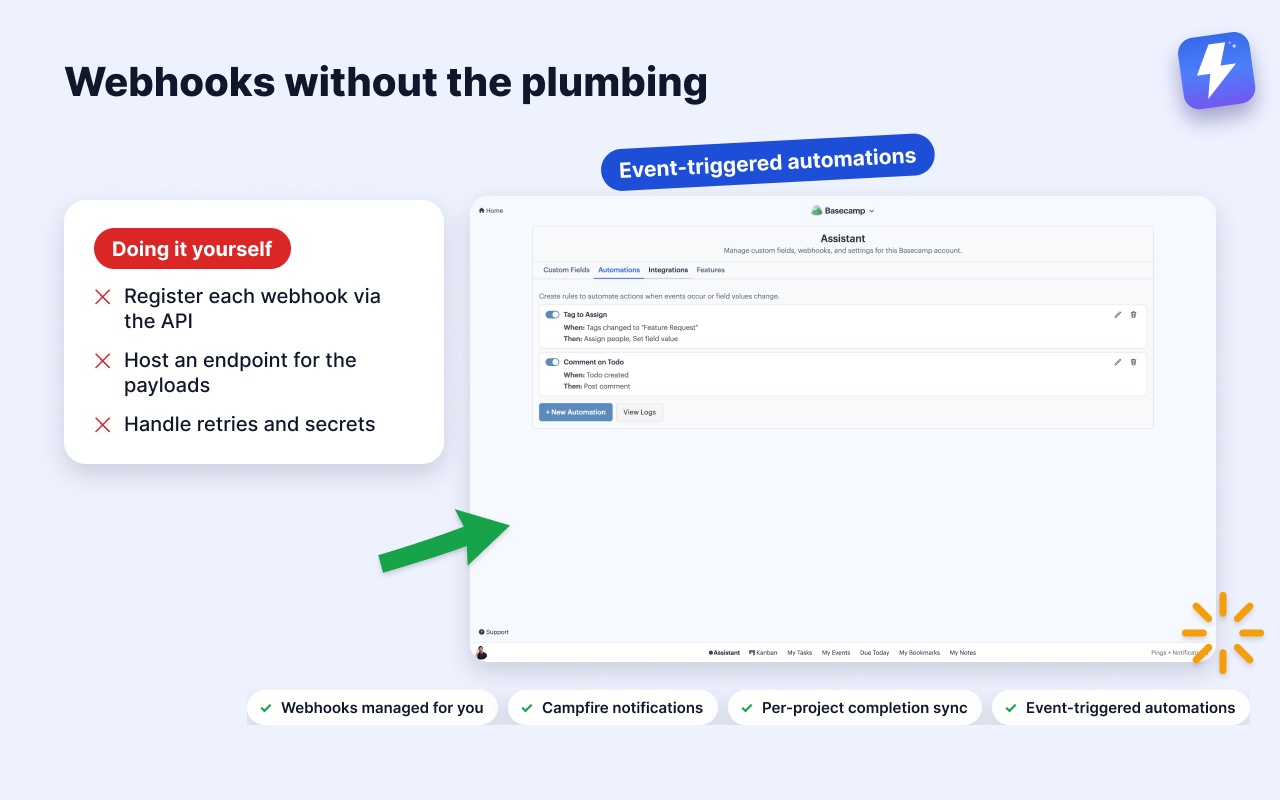
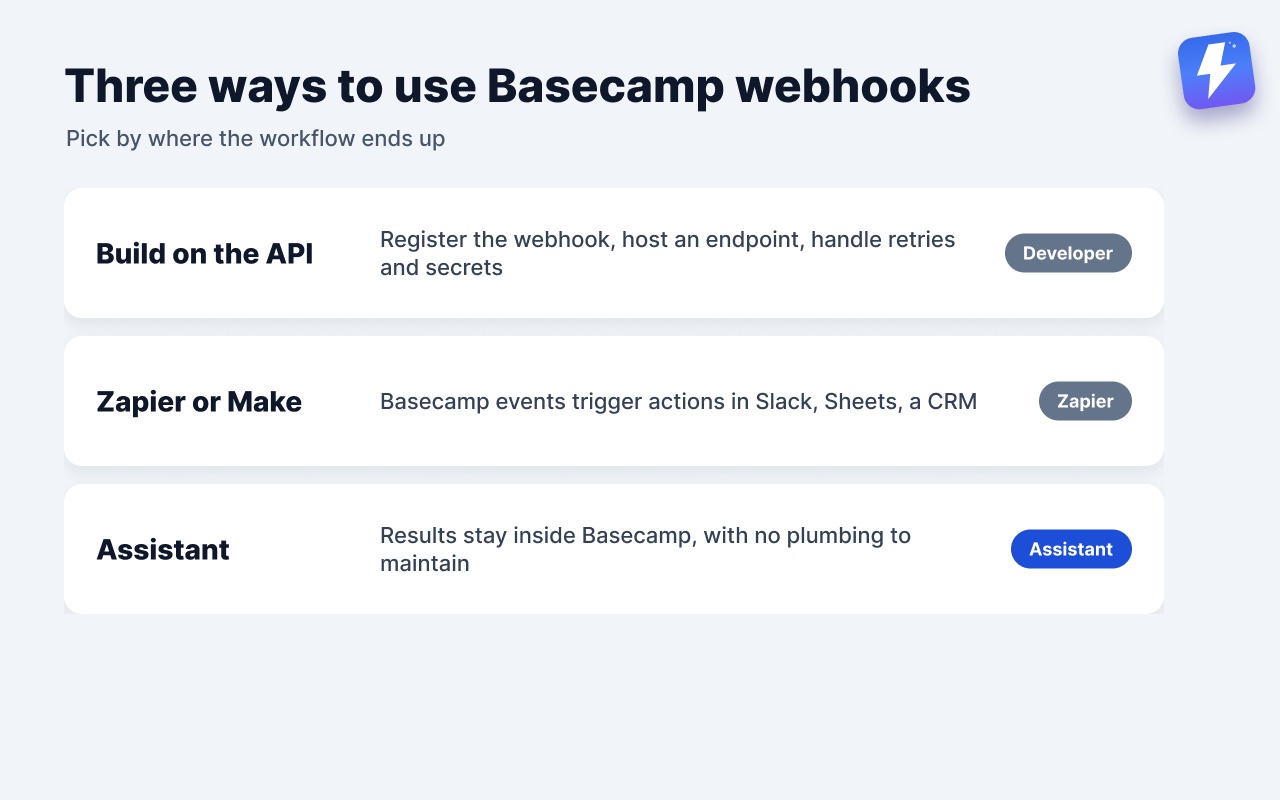
Registering a webhook means calling Basecamp’s API, hosting an endpoint that accepts the payload, and handling retries and secrets. For a developer, that’s a pleasant afternoon. For everyone else, it’s the point where the tab gets closed.
So in practice, teams consume webhooks through tools:
- Zapier and Make use Basecamp events as triggers, then push the data into other apps: Slack, Sheets, a CRM. Right answer when the other end of the workflow lives outside Basecamp.
- Assistant for Basecamp consumes webhooks entirely inside Basecamp, and manages the subscriptions for you. That’s the route below.
Webhook-powered features, zero setup
Assistant registers and manages the Basecamp webhooks itself. You flip toggles; it does the plumbing. Three things run on that wiring:
Campfire notifications. Link a Campfire chat, and updates get posted into it: a status changed, a to-do completed. The team sees changes in the room they already read instead of discovering them inside a to-do three days later.
Per-project completion sync. A switch per project that keeps to-do completions flowing. On where completions should sync, off where they shouldn’t. Each project decides for itself.
Automations triggered by events. Rules that fire when a to-do is created or completed, a message is posted, or a comment lands, plus when one of Assistant’s custom fields changes. A rule can set a field, assign someone, complete a to-do, or post a comment. No middleware account, no endpoint, no API keys to rotate. More in how to automate Basecamp without Zapier.
One honest limit, stated plainly: Assistant has no inbound webhook that external tools can call. Zapier can’t poke Assistant directly. If an outside tool writes to Basecamp itself, Assistant reacts to that Basecamp event, and your rules take it from there.
When you still want Zapier or Make
Webhooks inside Basecamp cover workflows that stay inside Basecamp. Reach for a bridge when the workflow crosses the boundary: a form submission should become a to-do, a completed to-do should update a spreadsheet, a new deal in the CRM should spin up a project. That’s bridge territory, and the integrations overview maps the options.
The short version
Basecamp webhooks are per-project push notifications for machines: to-dos, messages, comments, files, delivered the moment they change. Developers can build on them directly through the API. Everyone else gets their value through tools: Zapier or Make when the workflow leaves Basecamp, Assistant when you want the results inside Basecamp with none of the plumbing.
Useful? Tell Google you want more of this.