Does Basecamp Transcribe Voice Notes?
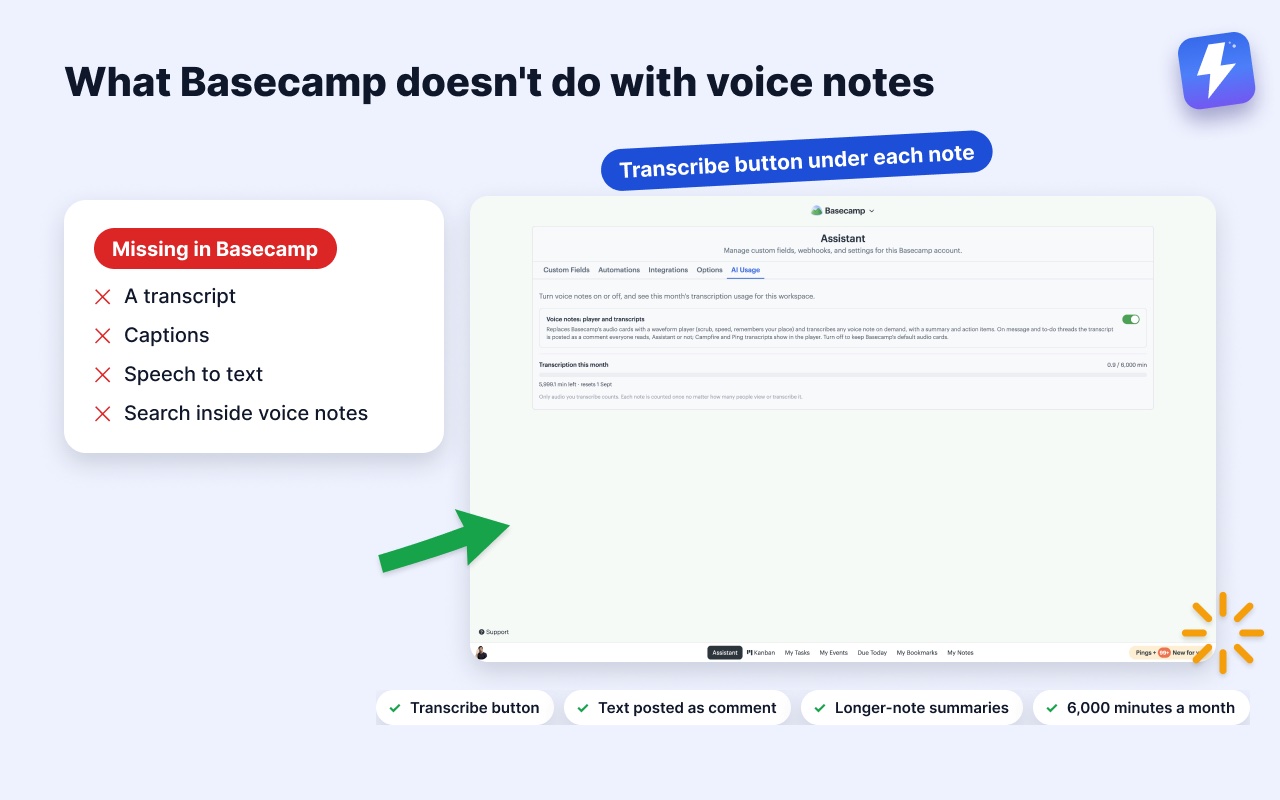
Short answer: no. Basecamp 5 records voice notes, but it stores them as plain audio attachments. There is no transcript, no captions, no speech to text, and Basecamp’s own search cannot see a single word that was said inside one.
This trips people up because the recording side is so good. The mic sits in every composer, sending a note takes seconds, and it feels like a first-class feature. Then you are on the receiving end of a two-minute note and there is nothing to read.
What Basecamp actually does with a voice note
Everything Basecamp gives you here is about capture and playback:
- Recording from the mic in any composer, on messages, comments, documents, Campfires, and Pings
- Playback in the web app and both mobile apps
- Storage as an audio attachment on the item it was posted to, with the same permissions as anything else in that project
That’s the full list. No transcript is generated, none can be requested, and there is no setting to turn on. As of August 2026 this is still true on every Basecamp plan.
Why the missing transcript costs more than it looks
A voice note is the only thing in your project you cannot scan.
You can skim a message. You can Cmd-F a document. You can search a comment thread from two years ago and find the sentence where a client approved something. Audio breaks all of that at once: a two-minute note takes two minutes to consume, can’t be skimmed, can’t be quoted in a reply, can’t be read in a meeting where you can’t play sound, and is invisible to Basecamp’s search forever.
The cost is not the two minutes. It’s the third week, when you know the client said something about the discount and you have no idea which of forty notes it was in.
Does Basecamp plan to add transcription?
Not that 37signals has announced. Basecamp’s product philosophy is deliberately restrictive. Features get left out on purpose, and voice notes shipped as a capture tool rather than a content type. Nothing in the Basecamp 5 release notes points at transcription being on the way.
Plan around what exists today rather than waiting.
How to get speech to text on Basecamp voice notes
Three approaches, in descending order of how long teams stick with them.
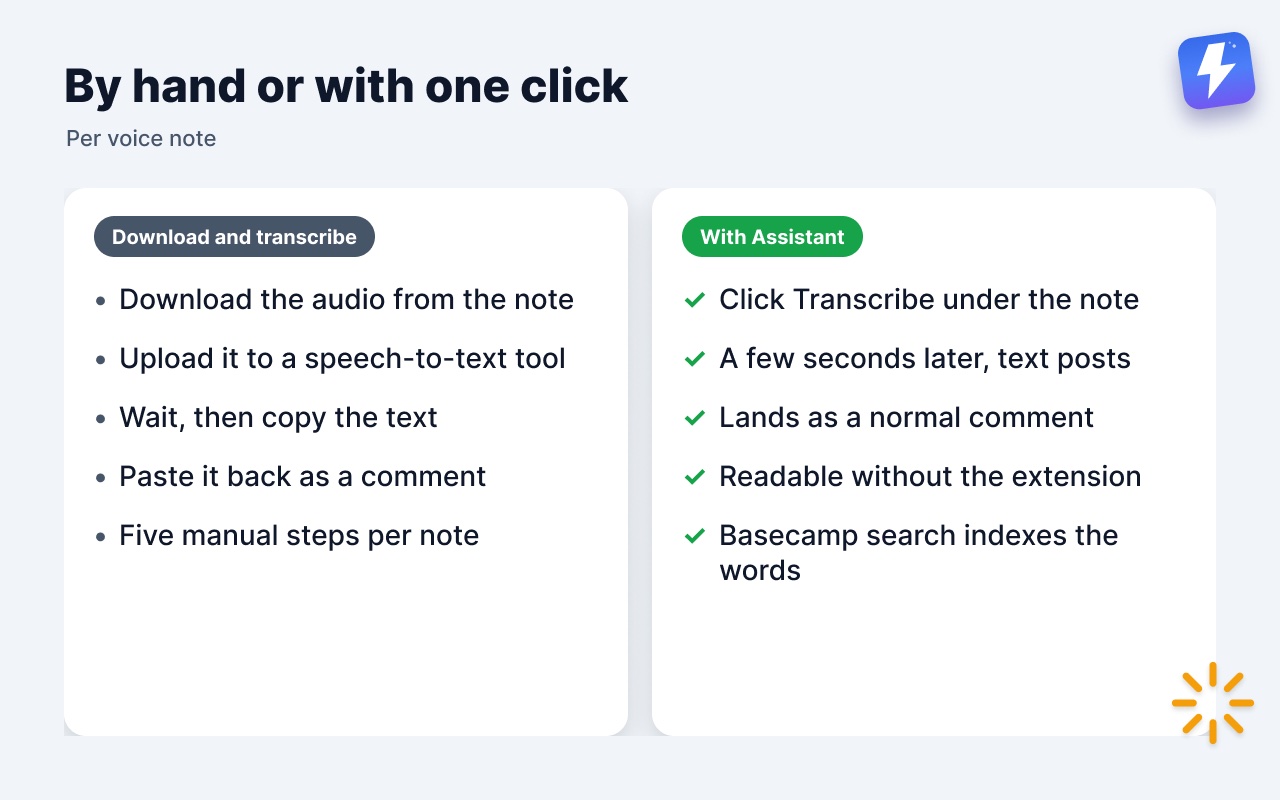
Download and run it through a transcription service. Download the audio from the note, upload it to a speech-to-text tool, wait, copy the text, paste it back into Basecamp as a comment so the rest of the thread benefits. It works. It’s five manual steps per note, and almost nobody keeps it up past the first week.
Ask people to type instead. This gives back the searchability and gives up the speed that made voice notes appealing. It also does nothing for the notes already sitting in your projects.
Add transcription inside Basecamp. A browser extension can put a Transcribe button under each note and post the resulting text straight to the thread, so there is no download, no second tool, and no copy-paste. This is what Assistant for Basecamp does: one click, a few seconds, and the transcript is posted as a comment with a summary and action items on longer notes. Because it lands as a normal Basecamp comment, teammates without the extension read the same text, and Basecamp’s search finally indexes what was said.
The full walkthrough is in how to transcribe Basecamp voice notes.
The bottom line
Basecamp records voice notes and stops there. If your team sends them regularly, the transcript is the part that makes them searchable, quotable, and readable by whoever wasn’t free to listen, and it has to come from somewhere other than Basecamp.
Useful? Tell Google you want more of this.